
FoleyJam
Jam with everyday sounds.
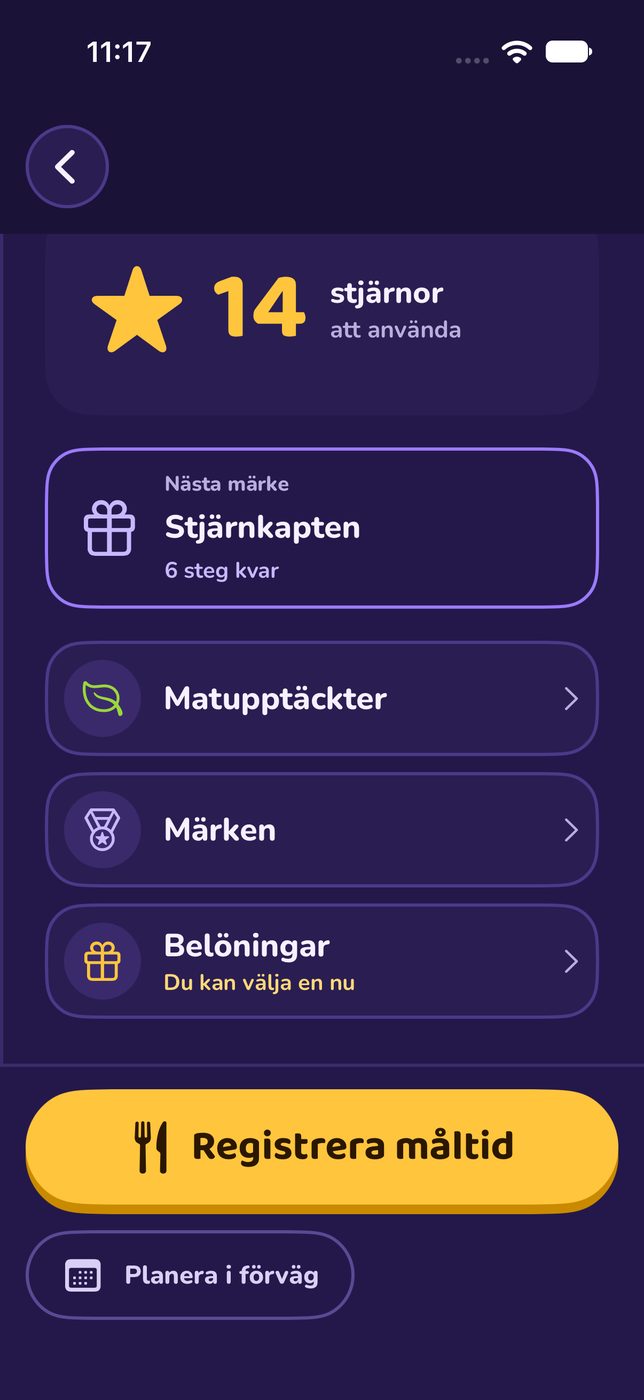
Make music from everyday sounds. Each sound world has a picture with eight real, recorded sounds. Tap the objects in the picture or the sound pads, record a rhythm and build it up layer by layer. No music theory needed. Made for children aged 6–8 to play together with the family.


What FoleyJam does well.
Seven sound worlds – from the Garage to the Playroom – with 128 real sounds.
Record after a count-in, loop instantly, layer upon layer.
Mix: 16 steps per sound, volume, mute, solo and space.
Songs are saved on the device and can be shared as WAV, behind an adult gate.
Soon.
The Garage and the Playroom are free; five more worlds as a one-time purchase. Beta testing via TestFlight starts soon.
The app does not collect personal data. Read the privacy policy for FoleyJam.
Publisher: Anders Pettersson, 18Juni, Gothenburg, Sweden Support: support@18juni.se Contact: kontakt@18juni.se
FoleyJam is a music toy for iPhone and iPad: tap the objects in a picture world or the eight sound pads, record a rhythm, mix it and share the song as a WAV audio file.
FAQ
I can't hear any sound.
Check the device volume and audio output (speaker, headphones, Bluetooth). In Mix, check that the instrument isn't muted and that no other instrument is soloed. Stop and start playback again after a call or other audio interruption.
How do I record?
Tap the red Record button. The app counts in four beats, then what you tap is recorded in time. Tap Done to stop. The recording keeps looping so you hear the result right away.
How do I make a new song?
Tap plus/New song, choose a sound world and a picture, and tap Create and jam. Earlier songs stay in My tracks.
Where are my songs?
In the My tracks tab. They are saved only on this device. Deleting the app also deletes the songs (unless they are in a device backup).
How do I share a song?
Open the song and choose Share song. An adult answers the arithmetic question, chooses the number of loops and taps Export and share. The recipient is chosen in the system share sheet.
Which sound worlds are free?
Garage and Playroom are always free, including recording, mixing, saving and sharing.
What does the one-time purchase include?
Farm, Nature, Music, Kitchen and Workshop. It is a one-time purchase, not a subscription. Future worlds are not promised.
Where do I buy or restore?
Settings → For adults → Adult area. Answer the arithmetic question and choose Buy the pack or Restore purchases. Purchase and restore may need internet.
A purchase is waiting for approval (Ask to Buy).
The worlds unlock once the adult has approved the purchase. The free worlds keep working meanwhile.
I can't edit an old song.
Songs in a locked world can be played, shared and deleted but not changed until the pack is unlocked on the device. Use Restore purchases if you have already bought it.
Refunds
Purchases are made through Apple. Request refunds from Apple at reportaproblem.apple.com.
Privacy
FoleyJam does not collect personal data. See the privacy policy: https://18juni.se/en/projects/foleyjam/privacy/.
More projects
See all